What Are the Different Types of Google Ads Campaigns?
A Complete Guide to Google Ads Campaign Types (and Which One Is Right for You)
When it comes to online advertising, Google Ads is a powerhouse. But let’s be real, logging in and seeing all those campaign options can feel like staring at a restaurant menu in another language. Do you go with Search? Display? Performance Max?
The truth is: each campaign type is built for a specific purpose. Some focus on driving calls, others on supporting e-commerce activity, and some on increasing brand visibility.
Choosing the right campaign can feel confusing, but it doesn’t have to be. Here’s a simple breakdown of each campaign type so you can identify the one that aligns best with your business objectives. At ClickByVal, I take a strategic approach by learning about your business first, then recommending the campaign setup that best supports your goals.
Ready to start? Call or message me today to get your campaign running.
Search Campaigns – Text Ads on Google Search
Search campaigns are the most common type of Google Ads. These are simple text ads that show at the top or bottom of Google search results when someone types in a keyword related to your business. They usually include:
A headline (blue link).
Website link.
Short description.
(Optional) extras like call buttons, location info, or sitelinks.
There are two main categories of results on Google: organic and paid. Organic results are free listings earned with SEO over time, while paid ads appear at the top instantly but charge per click. For example, “modern living room ideas” might show your blog organically, while “interior designer Dallas” shows your paid ad first.
Best fit for: service businesses, lead generation, or businesses aiming to collect inquiries through calls or forms.
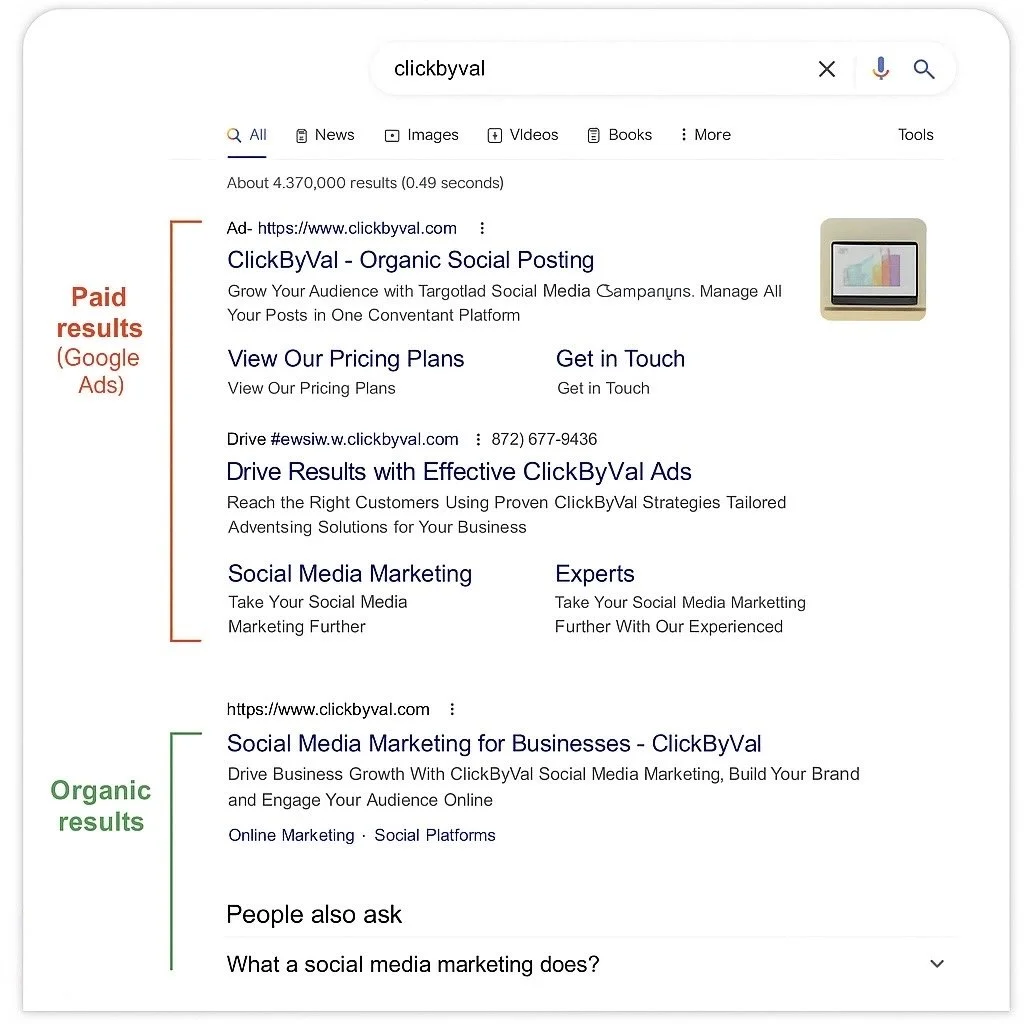
“Example mockup of Google Search Ads and how they can appear above organic results when someone searches on Google. Visual for demonstration only.”
Not sure if Search is the right fit for your business? I can help you decide and set up the campaign that best supports your goals.
Display Campaigns – Visual Banners Across Websites
Display Campaigns are visual ads — banners, images, or responsive graphics that appear across Google’s Display Network (millions of websites, apps, YouTube, and even Gmail). Unlike Search Ads, which only show when someone types a keyword, Display Ads are designed to present your brand while people are browsing.
They can appear in many shapes and sizes:
Banners at the top of a webpage
Rectangles or squares in the sidebar or within articles
Image or animated graphics inside apps and emails
Example: You’re reading a home décor blog, and you see a banner that says “Modern Furniture Sale – Shop Now.” That’s a Display Ad in action.
How Display Ads Are Triggered
Unlike Search Ads (where someone types a keyword), Display Ads show up based on who the person is and what they’re interested in. Google uses signals such as:
Audience targeting: people who fit certain interests, habits, or demographics (ex: homeowners, DIY lovers, travelers).
Remarketing: people who already visited your site or checked out your services.
Context: the type of website they’re on (ex: an interior design blog may show your ad for home décor).
Automated signals: Google looks at browsing behavior to match ads to people likely to be interested.
So if someone was shopping for couches yesterday, they may see your “Modern Furniture Sale” banner today while reading the news.
When it’s right for you: Display ads are well-suited for brand awareness, retargeting, and staying visible. They can help your business stay visible to past visitors or reach new audiences while they’re browsing blogs, watching videos, or checking Gmail.
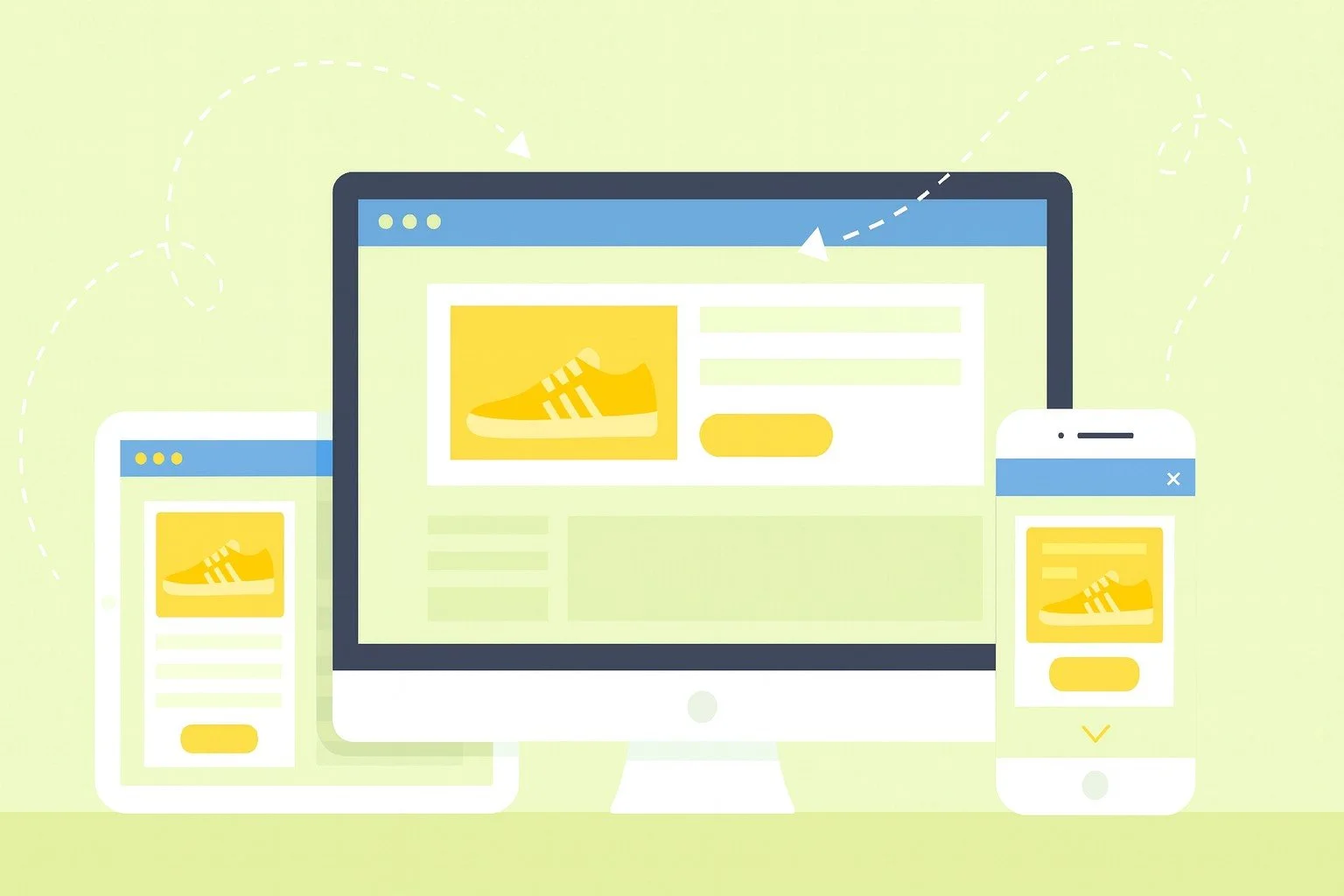
“Example mockup of how Google Display Ads may appear across websites and apps. For illustration purposes only.”
Not sure if Display is right for you? I help businesses choose the best strategy!
Shopping Campaigns – Product Listings With Images
Shopping Campaigns are built for e-commerce businesses. Instead of just text, they show product cards with a photo, price, store name, and sometimes ratings — right at the top of Google Search or under the Shopping tab.
Example: You search “vitamin C serum” and see product cards with different brands, prices, and stores before the regular results. That’s a Shopping Ad in action.
How it works: You upload your product details (photos, titles, prices, descriptions) into Google Merchant Center and connect it to Google Ads. Google then automatically creates product ads from that info, so you don’t have to write headlines or ad copy yourself.
Unlike Search Ads, where you bid on specific keywords, Shopping Ads use your product information. Google looks at what you’re selling and matches it to relevant searches. For example, if you’ve uploaded a product called “Vitamin C Serum – 30ml,” your ad may appear when someone searches “vitamin C serum.”
When it’s right for you: Shopping campaigns are well-suited for businesses that sell physical products online. They can help showcase your items to people browsing with purchase intent and provide a direct path from search to your product.
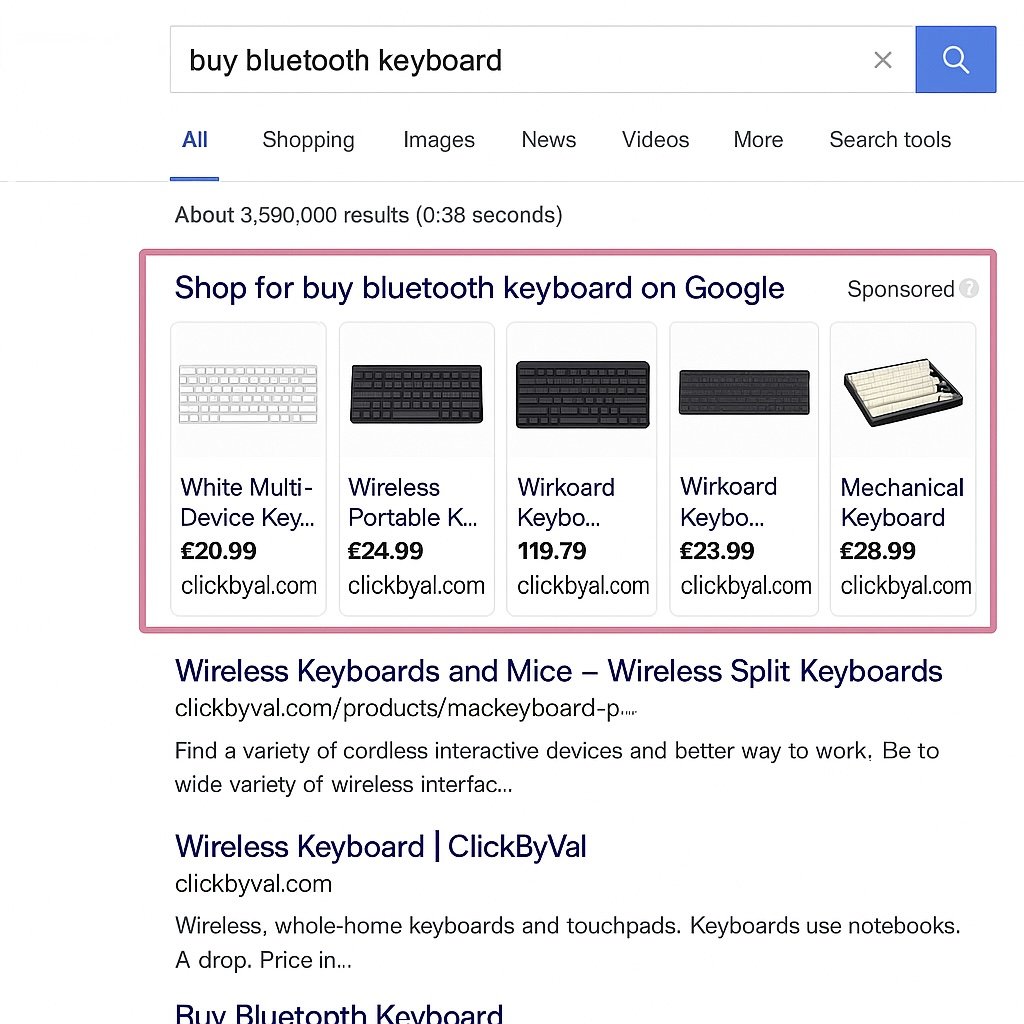
“Example mockup of how Google Shopping Ads may appear in search results. For illustration purposes only.”
Looking to promote your products with Google Shopping Ads? I can help you set up and manage campaigns tailored to your business goals.
Video Campaigns – Ads on YouTube
Video Campaigns let you advertise on YouTube and across Google’s video partners. These can be skippable or non-skippable video ads.
How it works: Your ads can appear before, during, or after YouTube videos, or even in YouTube search results.
How they’re triggered: Video ads show up based on audience targeting (interests, demographics, remarketing), content targeting (the type of videos people are watching), or a mix of both. For example, if someone regularly watches fitness content, they may see ads related to workouts or wellness.
Best for: Building brand awareness, educating potential customers, or launching new products.
Example: A fitness coach runs a short ad before a workout video, highlighting their services and approach. If you want to tell a story, share your message, or show your product/service in action, video ads can be a great fit.
If you want to tell a story, share your message, or show your product/service in action, video ads are a flexible way to connect with audiences.
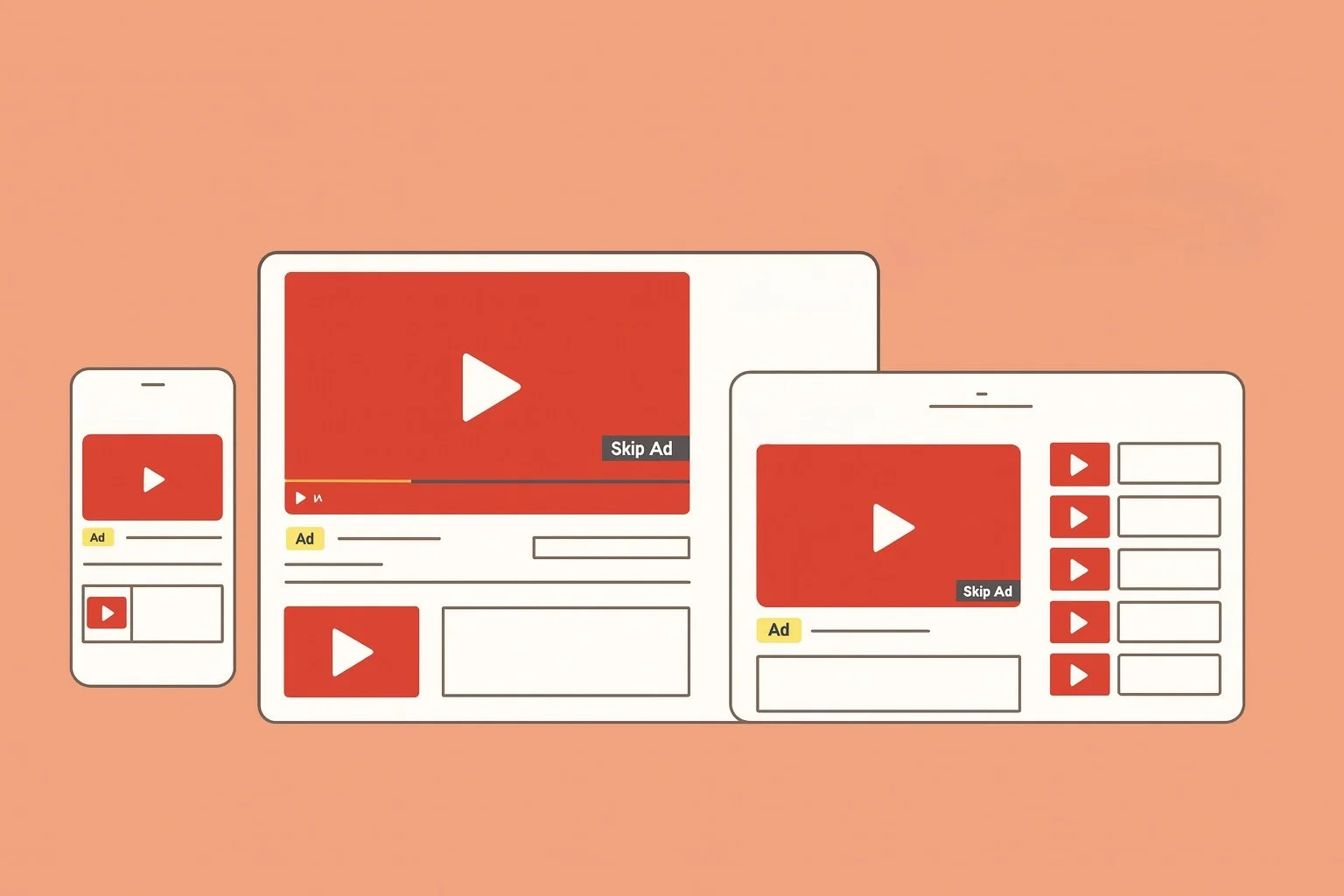
“Here’s how video ads may appear on YouTube across different devices”
Want to make YouTube ads part of your strategy? I can help you create Video campaigns tailored to your goals and audience.
App Campaigns – Ads Promoting App Installs
App Campaigns are designed to promote your mobile app and encourage installs or in-app actions (like sign-ups or purchases). Instead of creating multiple ads manually, you provide Google with your app info, text, images, and videos — and Google automatically builds ads and places them across its networks.
How it works: Ads can appear across Google Search, Google Play, YouTube, Discover, and the Display Network. Google uses your app details and creative assets, then tests combinations to display ads in different formats and placements.
How they’re triggered: Google uses keywords, audience behavior, and app store data to decide when to show your ad. For example, if someone searches for “fitness tracker app” in Google Play, your fitness app may appear with an install button.
Best for: Businesses with apps that want to promote downloads, encourage engagement, or highlight in-app features.
Example: A food delivery app runs an App Campaign so when someone searches “food delivery” in Google Play or watches cooking videos on YouTube, the ad may appear with a download button.
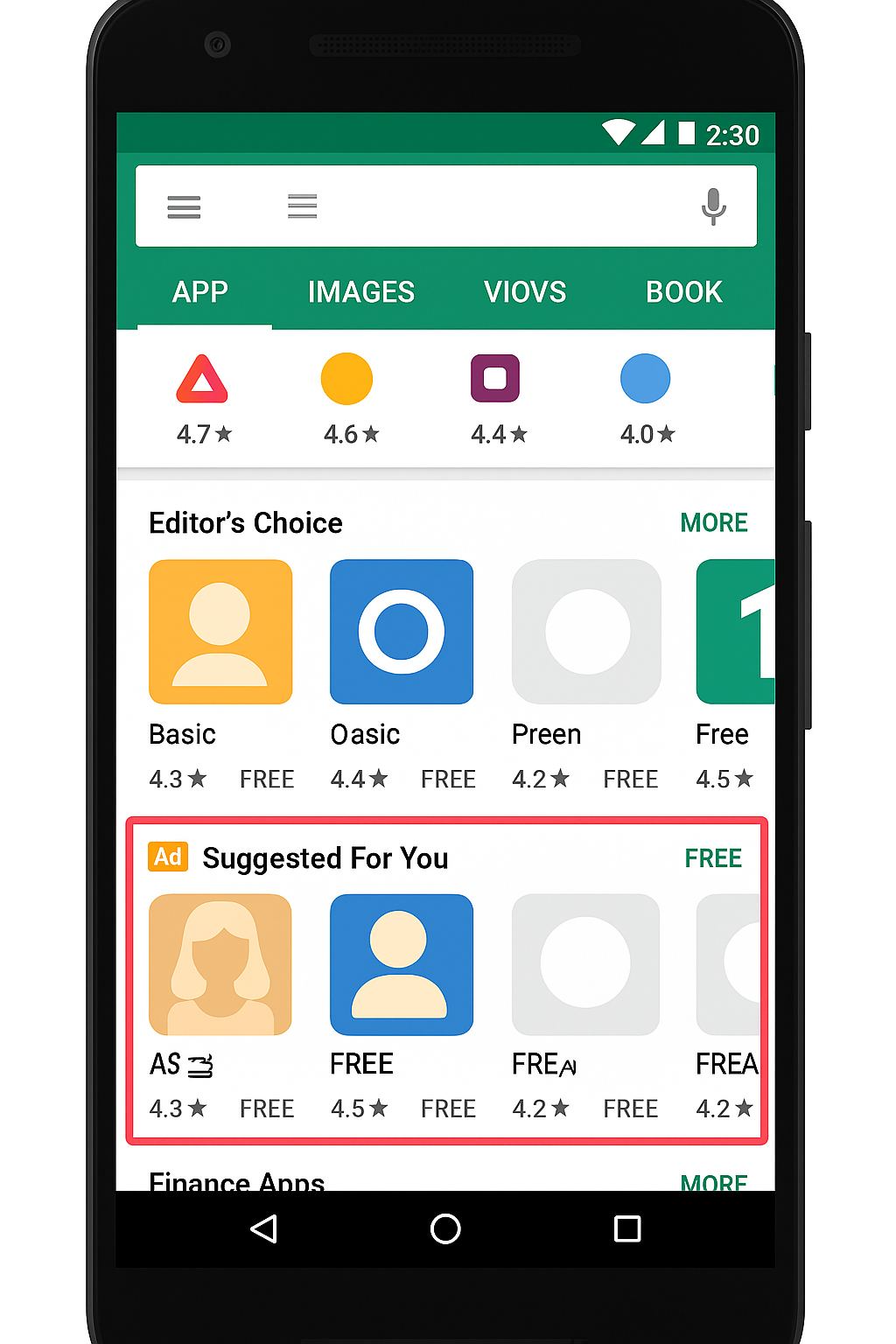
"Example mockup of how Google App Campaign ads may appear in the Play Store. For illustration purposes only."
Looking to promote your app? I can help you set up App Campaigns.
Local Campaigns – Ads Driving Foot Traffic
Local Campaigns (now being rolled into Performance Max, but still important to know) are structured to promote physical business locations. These ads can display your address, phone number, directions, and promotions.
How it works: Local ads may appear across Google Maps, Search, YouTube, and the Display Network. Formats can include features such as “Directions” buttons, call options, and store details.
How they’re triggered: Google uses location signals — such as a person searching “coffee near me” or being physically close to your business — along with your business info and ad settings.
Best for: Restaurants, salons, retail shops, gyms, or any business with a physical storefront.
Example: A coffee shop runs a Local Campaign, and when someone nearby searches “coffee near me” or checks Google Maps, their ad may appear with directions and a call button.
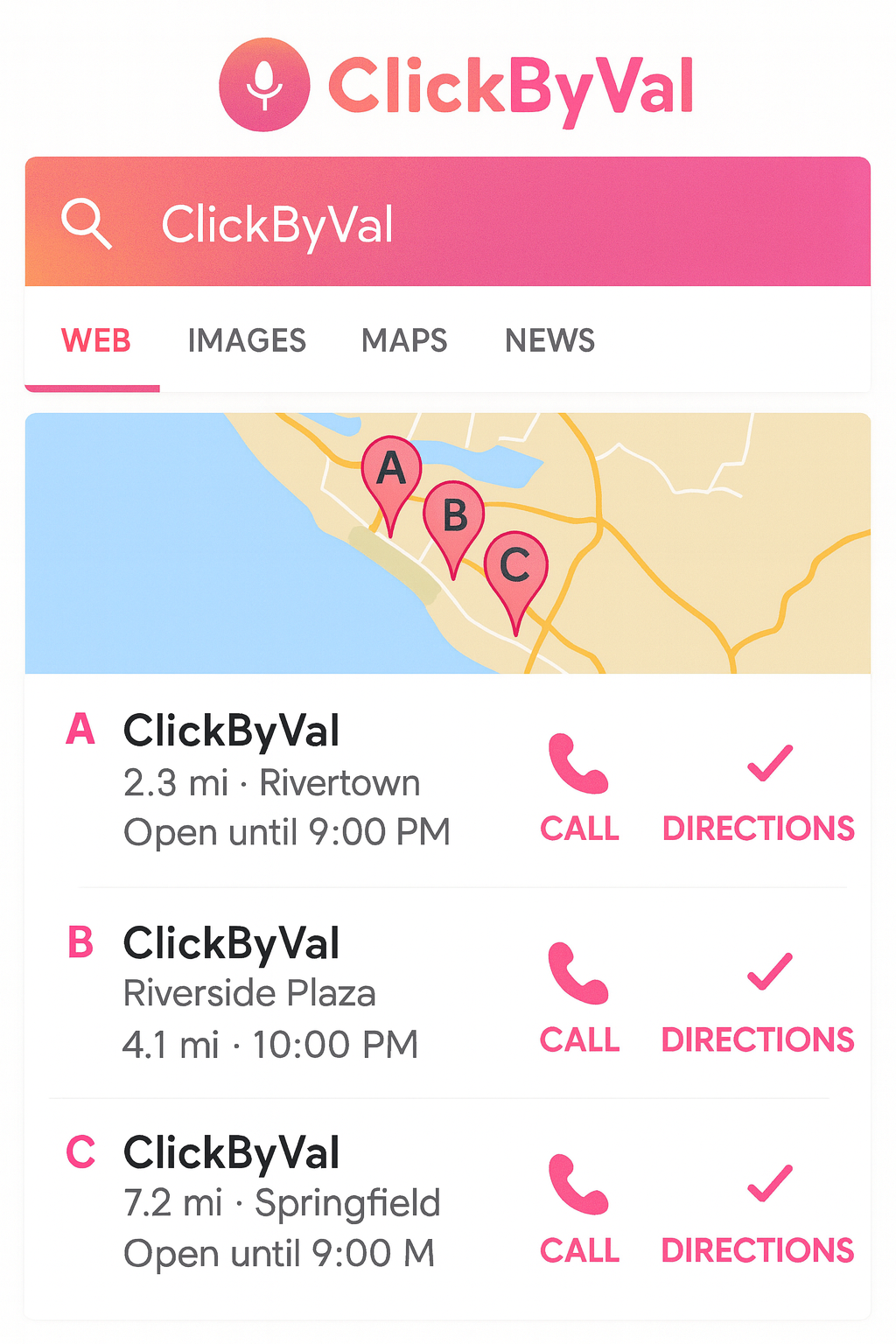
“Sample view of how Local Ads may appear in Google Maps and Search with directions, call buttons, and business info. For demonstration purposes only.”
Want to drive more foot traffic and local calls? I can help you set up Local Ads.
Performance Max – A Mix of All Ad Types
Performance Max (PMax) is Google’s newest campaign type. It uses Google’s AI to run ads across all of Google’s platforms: Search, Display, YouTube, Gmail, Shopping, and Maps — all from a single campaign. Instead of selecting just one ad type, PMax combines your assets (text, images, videos, product feed) and Google’s systems to deliver ads in different placements.
How it works: You upload your business info, ad creatives, and goals (such as leads, sales, or visits). Google’s AI then tests combinations and automatically places ads across its networks based on available signals.
How they’re triggered: PMax uses a mix of search intent, audience behavior, and your provided assets. For example, if someone is searching for your service, browsing related websites, or watching YouTube videos connected to your niche, your ads may appear across multiple placements.
Best for: Businesses that want a single campaign to run across multiple Google platforms. This approach can be useful for e-commerce stores, service providers, and local businesses looking for a consolidated setup.
Example: A boutique clothing brand runs a PMax campaign, and their ads may appear as search text ads, shopping product cards, YouTube video ads, and banners on fashion blogs — all from the same campaign.
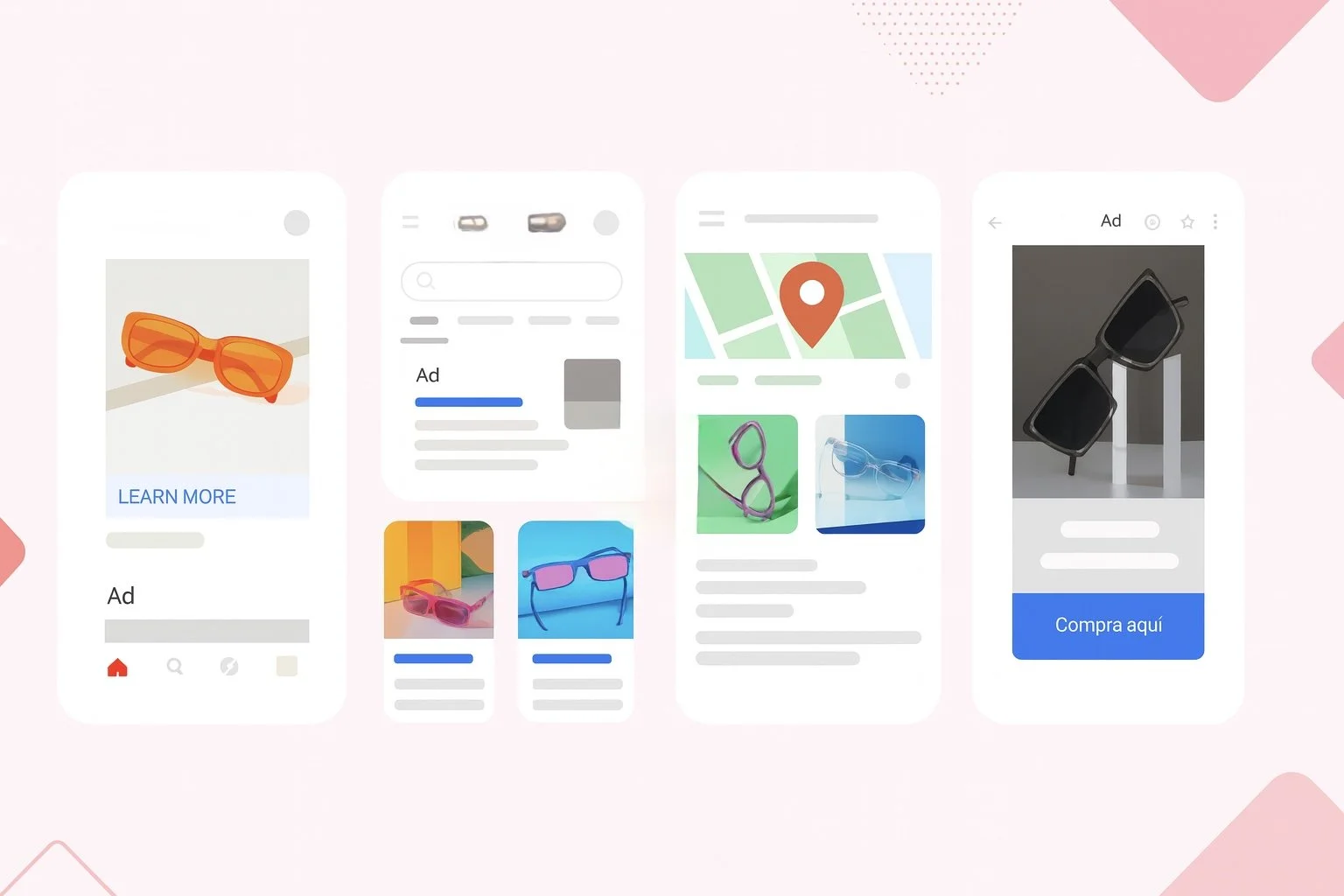
“Example of Google Performance Max Ads running across all Google channels including Search, Display, YouTube, and Maps.”
Curious if Performance Max is worth it for your business? Let’s chat and see if it’s the right strategy!
Choosing the Right Campaign for Your Business
So, which campaign should you choose? It depends on your goals:
Looking for calls or inquiries? → Search Campaigns.
Want visibility beyond search results? → Display or Video Campaigns.
Selling products online? → Shopping Campaigns.
Have a storefront? → Local or Performance Max.
Promoting an app? → App Campaigns.
Need one campaign across all Google platforms? → Performance Max.
ClickByVal Tip: With Google Ads, success isn’t about running every campaign type at once. It’s about choosing the one that best matches your goals and budget. Start small, learn from performance, and expand over time.
Google Ads offers flexibility, but not every campaign fits every business. Focusing on the most relevant campaign first helps you use your budget more effectively.
